Using Docker as a throwaway dev environment
Setting up a MERN project locally used to mean installing nvm, picking a Node version, installing MongoDB, and then fighting whichever package refused to build on that version. Do it for a few projects and the machine fills up with versions that disagree with each other.
I stopped. Now the whole stack runs out of Docker images and nothing gets installed on the host.
Install Docker#
On most Linux distributions:
curl -o- https://get.docker.com | sh -x
Run the Node app#
From the project directory:
sudo docker run -it -v $(pwd):/srv -w /srv -p 3000:3000 node:current npm run start:dev
-it gives you an interactive terminal, -v mounts the current directory into the container, -w sets the working directory and -p forwards the port.
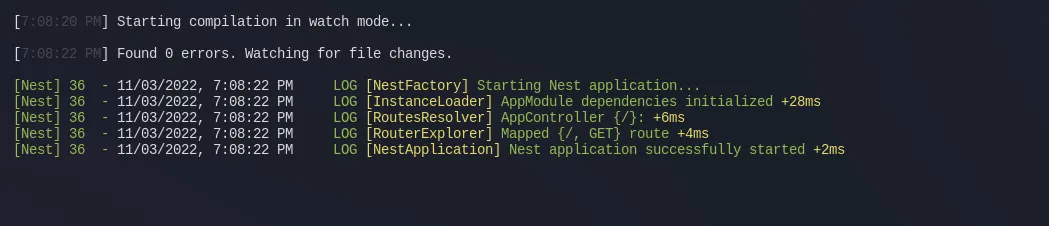
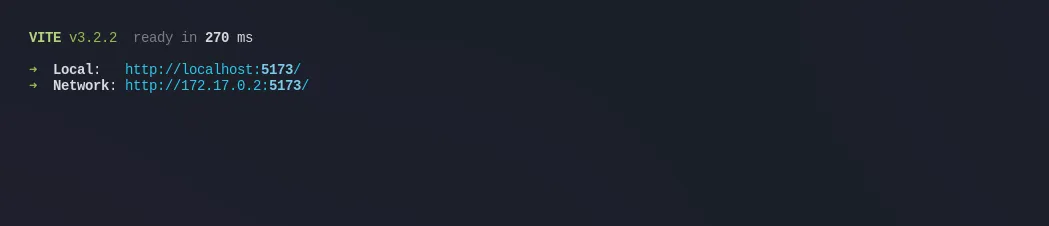
A Vite project is the same command with a different port and script:
sudo docker run -it -v $(pwd):/srv -w /srv -p 5173:5173 node:current npm run dev
Run MongoDB#
sudo docker run -d -p 27017:27017 --name my-demo-mongo mongo
No Node on the host, no local Mongo, nothing to uninstall later. When the project is done I delete the containers and the machine is as clean as it was before.

Sign in with GitHub to comment